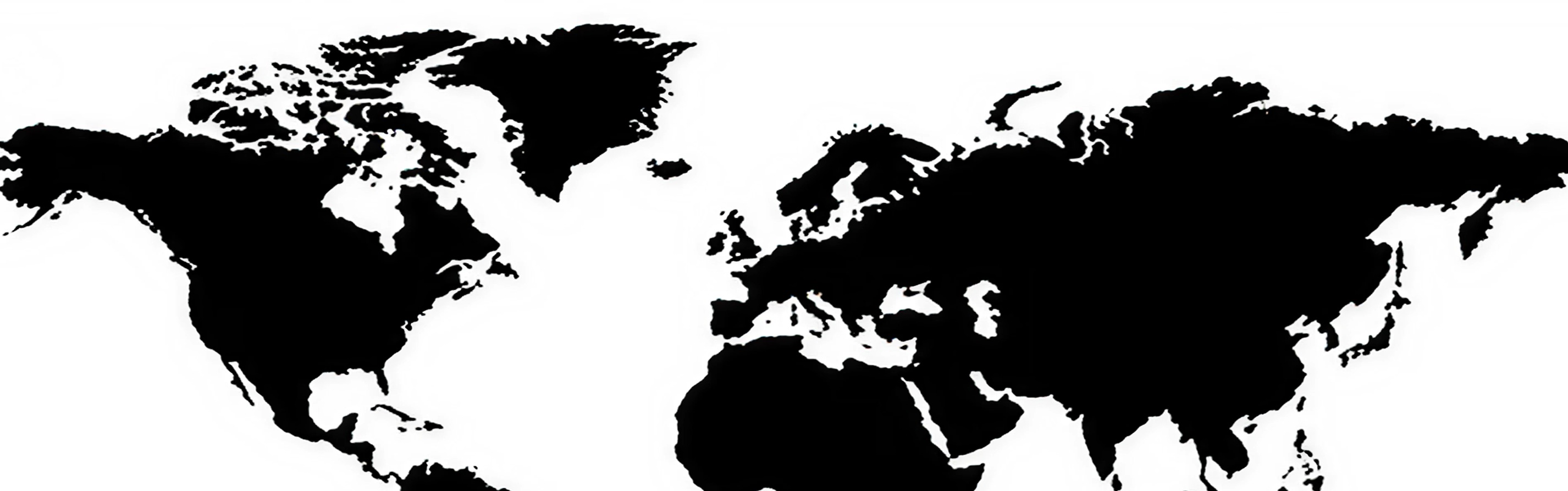
Continental Mapping
One day, there was a design with all of its navigation revolving around a singular sidebar.
Though later changed to a bottom positioned navigation bar, it still was the same component.
But for the designers it never felt right, something was off.
It felt like they should just remove it.
Digital experiences which didn't have a navigation component felt like their own thing.
They felt pure.
For a pure experience, everything artificial must be removed.
In our case this is the navigation bar.
But how can we universally remove the navigation bar?
Then one day, while walking in paradise, it came to me.
What if we made the interaction also the navigation.
Making it one.
Imagine an interface split into 7 core parts of the whole app.
These parts have the most important information initially.
But when you tap a part, it fills the screen, enlarging the important stuff and revealing more info.
A perfect example is EARTH.
When you tap on Earth, your whole view is the 7 continents.
When you tap on a continent, your whole view is the countries.
When you tap on a country, your whole view is the cities.
When you tap on a city, your whole view is the streets.
This can go on indefinitely. Though, it probably should not.
Now, imagine we have an app.
There are 7 continents in the app, one of them Profile.
In the Profile view, you can then tap Privacy.
Finally, in the privacy view, Password.
Our cool UX lab called this approach Continental Mapping.
Because the continents of Earth are a perfect analogy for this concept, and it generally feels like a map.
Also because we are good at naming things.
If tapping is how we go into the components, how do we go back.
We thought of a couple ways, but they are not set in stone.
First, a swipe down gesture.
Second, pinching two fingers. (Though, this does require two fingers which is definitely not optimal)
Third, a universal back button.
You could even add audio elements with different pitches and strengths while navigating.
As well as elastic animations for components filling the screen.
You could add a floating trail somewhere on the screen so that people understand how deep they are.
It reminds the user of the journey they took to get there and gives them a sense of place.
And if the interface goes deep, you could add a custom interaction to take users back to the top level.